
Whether you are scaling a YouTube automation channel or editing a cinematic short, choosing between a premium subscription and a free alternative comes down to one question:
Do you want to spend money to save time, get access to a particular feature, or you just need that one thing maybe once or twice in your project?
Knowing this, you will avoid overpaying.
1. Color Grading Editors
- Paid: Adobe Premiere Pro
- Free: DaVinci Resolve
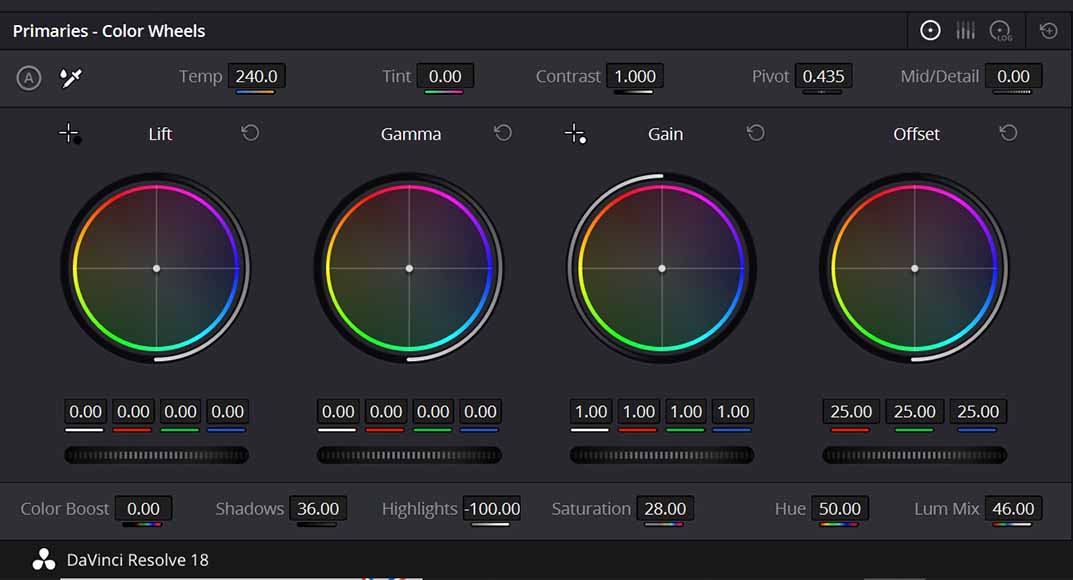
If all you need is industry-leading color grading and a workspace that won't crash on long timelines, the free version of Resolve is a beast that gets the job done without a monthly fee. Adobe Premiere is still a good option, but it will drag you into an endless rabbit hole unless you want to be a world class editor working on Netflix projects.
2. AI Text-to-Video Generation
- Paid: OpenAI Sora / Google Veo
- Free up to a certain point: Kling AI
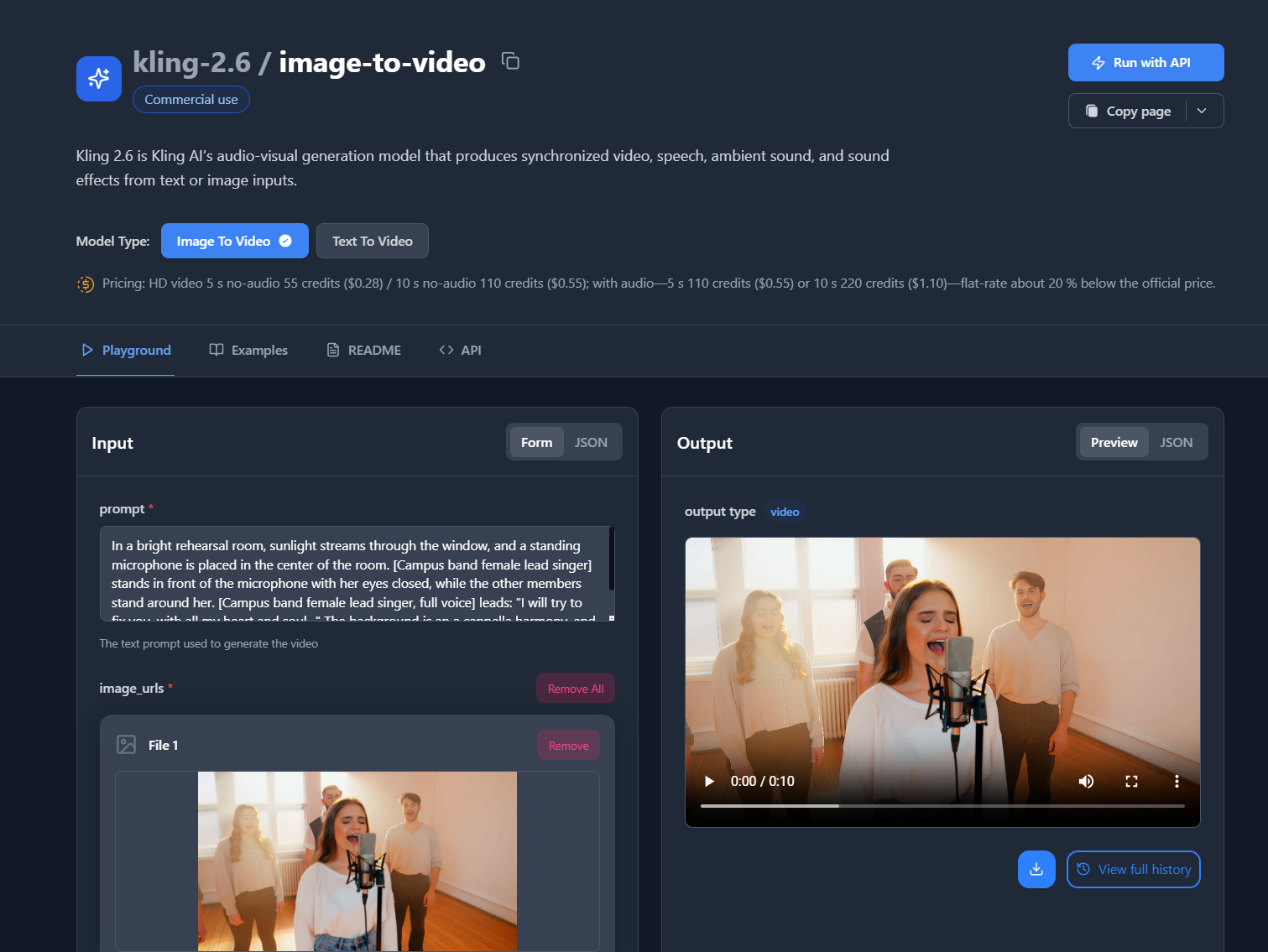
The Bottom Line: If your main goal is to grab realistic 5-second B-roll clips with solid human movement, Kling's daily free credits are plenty to stock your project for free. Don't ever subscribe to a plan thinking you need to make the entire video using AI. Not only your video will look like a shitty AI SLOP. Only use AI if you can't make the shot in real life whether not having the right person, situation or whatever the cases are.
3. Visual Effects (VFX) & Compositing
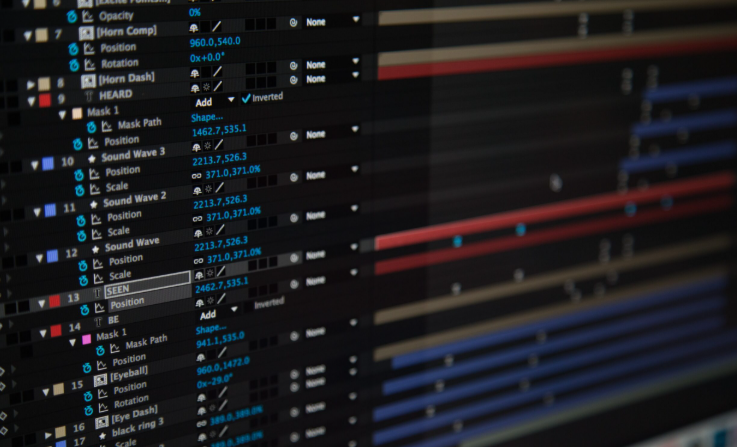
- Paid: Adobe After Effects
- Free: Blender
If you're looking to drop 3D objects into a real-world scene with perfect lighting and shadows, Blender handles the whole 3D pipeline better than After Effects—and it's totally free. After Effect is good but if you need something simple I would suggest skipping the huge learning curve.
4. Audio Repair & Restoration
- Paid: iZotope RX 11
- Free: Ultimate Vocal Remover (UVR)
The Bottom Line: If you just need to isolate a voice from a noisy crowd, UVR uses specific open-source models that often pull off a cleaner "split" than the expensive suites.
5. Timeline Automation (Silence Cutting)
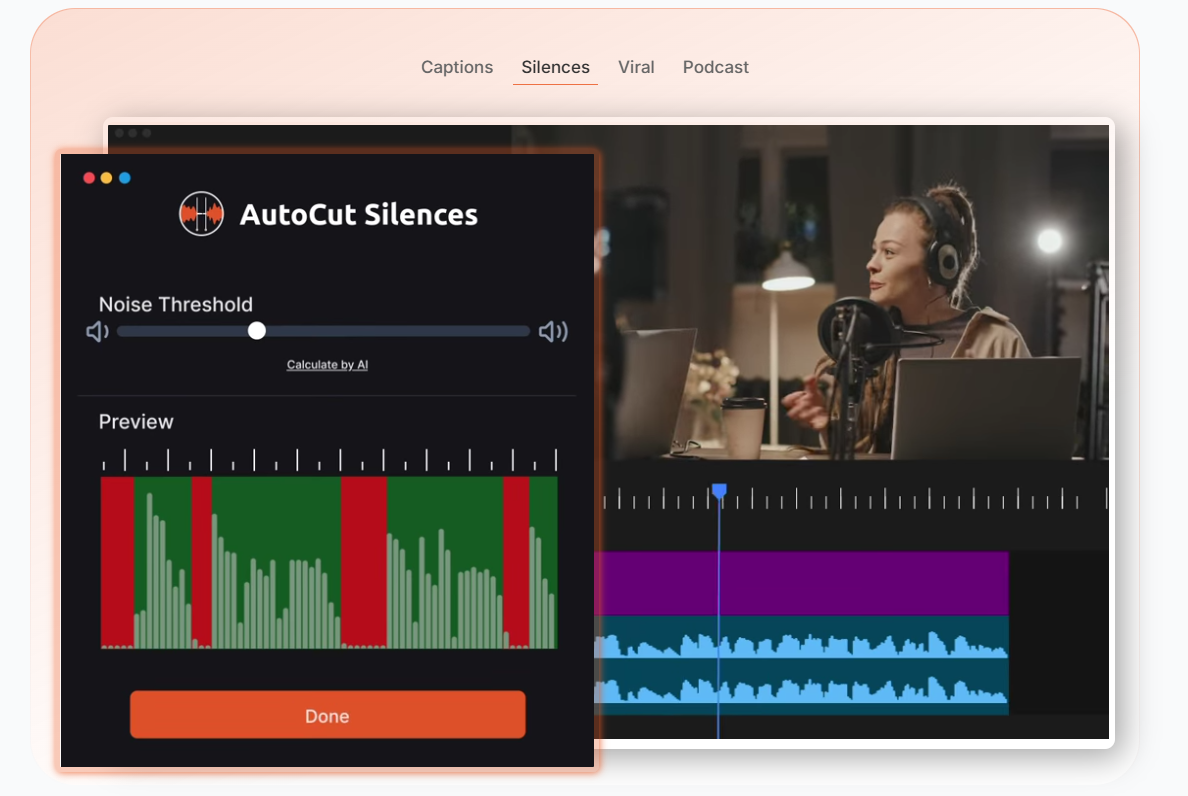
- Paid: AutoCut
- Free Adobe Premiere Plugin: SnapActions
The Bottom Line: If you're willing to spend just ten minutes setting up your own macros, SnapActions can automate your tedious edits across any software you own without the plugin price tag.
6. Document-Based Video Editing
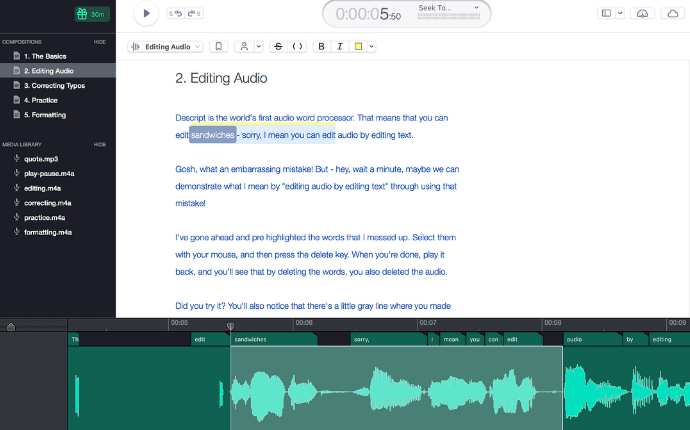
- Paid: Descript
- Free: Microsoft Clipchamp
- The Bottom Line: If you're just trying to add clean captions and export in 1080p without a watermark, Clipchamp gives you that pro look for zero dollars.
- Descript is more for long videos that need plenty of transcription. And If you already have editing workflow outside of Descript, then it's pointless to have Descript.
Watch this tutorial on using N8n to automatically synch clip to timestamp (for AI clips)
7. AI Text-to-Image (Assets)
- Paid: Midjourney
- Free: Leonardo.ai
- The Bottom Line: If you need to fix one specific part of an image (like changing a shirt color) without re-generating the whole thing, Leonardo's free in-painting tool is exactly what you need.
8. Social Media Repurposing
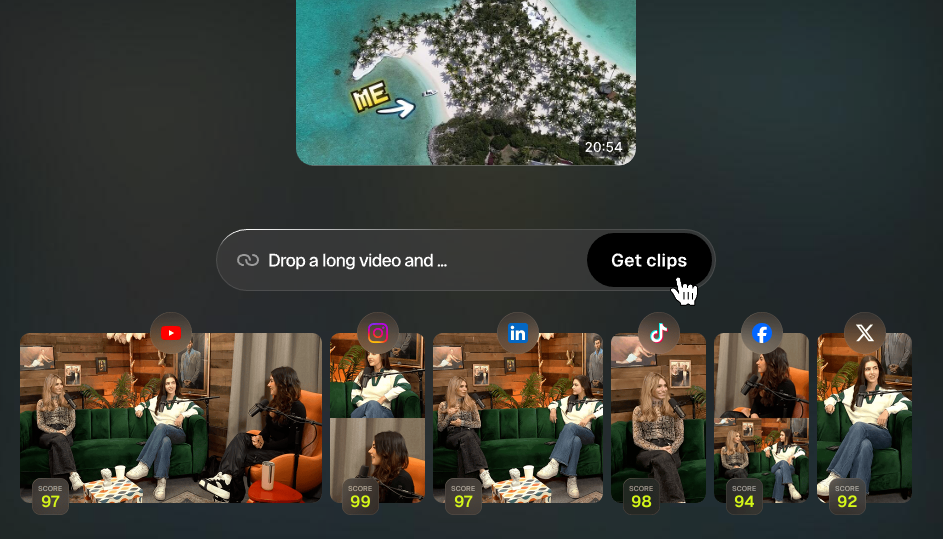
- Paid: OpusClip
- Free: Adobe Premiere Rush
- The Bottom Line: If you want full control over how you’re framed in a vertical TikTok, Premiere Rush lets you do the manual crop for free so a robot doesn't accidentally chop off your head. And OpusClip is claimed to be able to clip the perfect moment from a long form content. What they don't tell you is that if the long form content has alot of bad parts or awkward moments, it still requires an actual editor to go in and reedit everything.
9. Audio & Video Auto-Syncing
- Paid: Syncaila
- Free: VideoProc Converter AI
- The Bottom Line: If you’re just trying to fix a clip where the lips don't match the sound, VideoProc’s free "Force Sync" tool handles the fix using your hardware's full speed.
10. Screen Recording & Tutorials
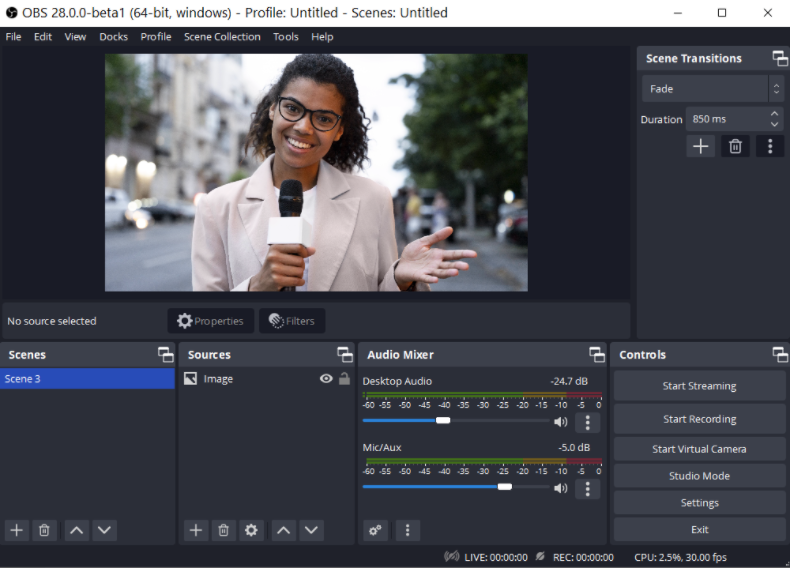
- Paid: Camtasia
- Free: OBS Studio
- The Bottom Line: If you want to broadcast your screen as a "Virtual Camera" into a Zoom call with your logo and graphics, OBS does that live for free.
11. Cloud Rendering & Automation
- Paid: Plainly Videos
- Free: CapCut Desktop
If you just want to edit 4K footage on a standard laptop without lag, CapCut’s background "proxy" system makes the experience feel like you’re on a $5,000 rig for free.
12. Stock Libraries & B-Roll
- Paid: Artlist.io
- Free: Pexels
If you need copyright-free footage for a commercial ad, Pexels uses a "no-strings" license so you never have to worry about legal trouble later.
13. Collaborative Review
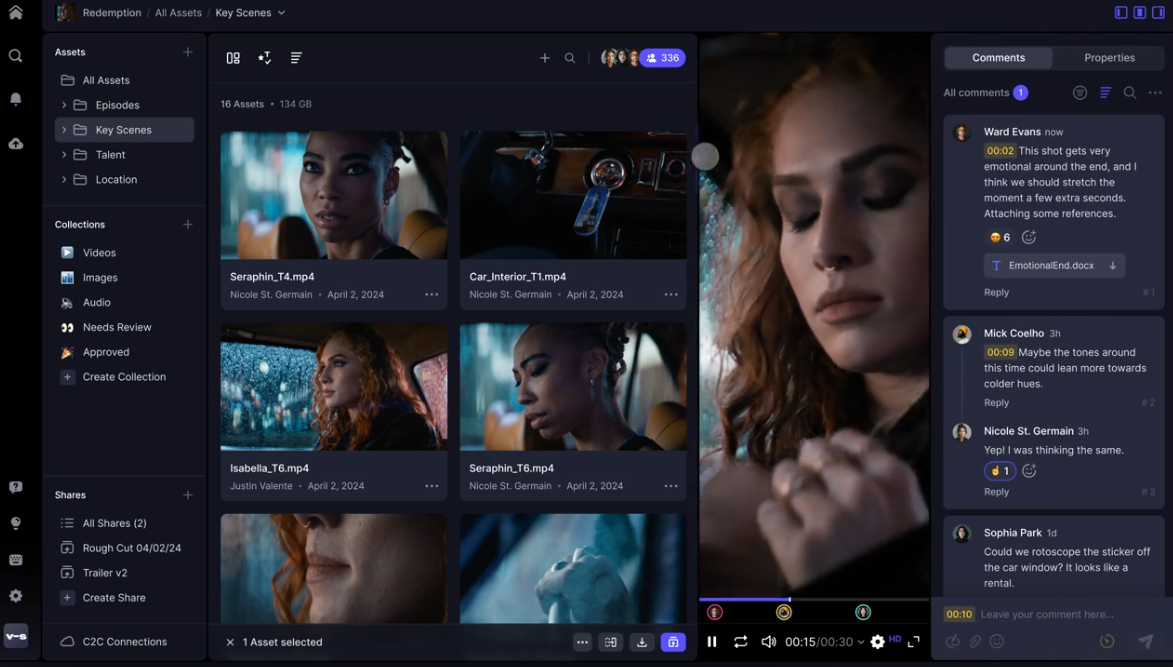
- Paid: Frame.io
- Free: Canva (Video)
If you and a buddy need to edit the same video project together in real-time, Canva’s collaborative timeline works like a shared Google Doc for free.
14. Audio Stem Separation
- Paid: Adobe Audition
- Free: Gaudio Studio
- The Bottom Line: If you're a producer who just needs to pull the drums out of a track for a remix, Gaudio’s AI isolates instruments with pro-level clarity for zero cost.
15. Specialized Color Grading
- Paid: DaVinci Resolve Studio
- Free: Kdenlive
- The Bottom Line: If you want access to weird, community-made film filters that the big corporations don't offer, Kdenlive’s open-source library lets you customize your look for free.
For All Beginners
| If you need... | Go for... | Because it... |
| Hollywood Color | DaVinci Resolve | Is the industry gold standard for $0. |
| True 3D VFX | Blender | Beats After Effects in depth and physics. |
| Clean Audio | UVR | Uses specialized models the paid guys miss. |
| Fast 4K Editing | CapCut Desktop | Handles proxies in the background perfectly. |